 Jagged Peaks
Learn the repeatable recipe for shipping AI-first apps
A hands-on workshop in the in-demand craft of building software with an AI agent — no engineering background required.
🎥 Watch Josh Talk About the Workshop
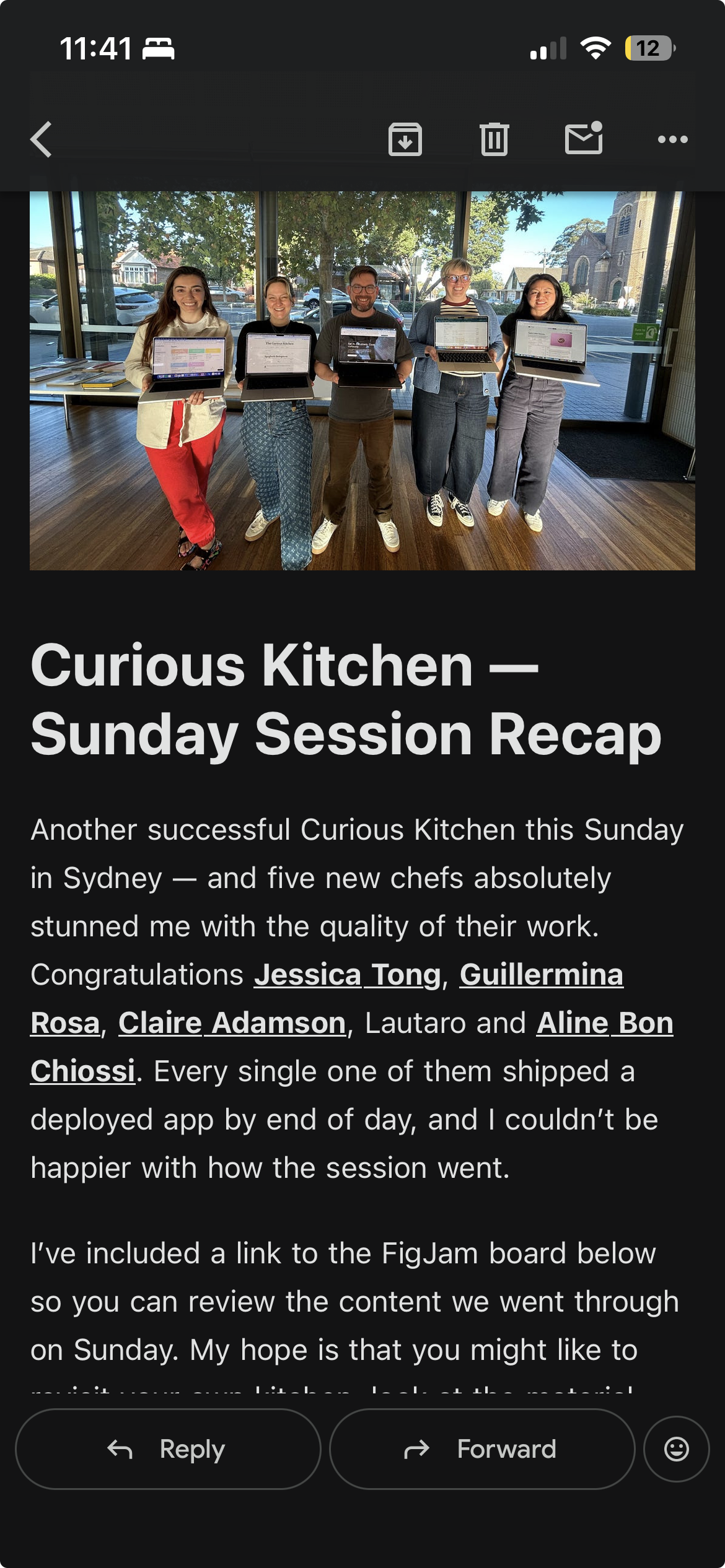
📸 From Our Previous Workshop
See what past participants built and experienced during Curious Kitchen.
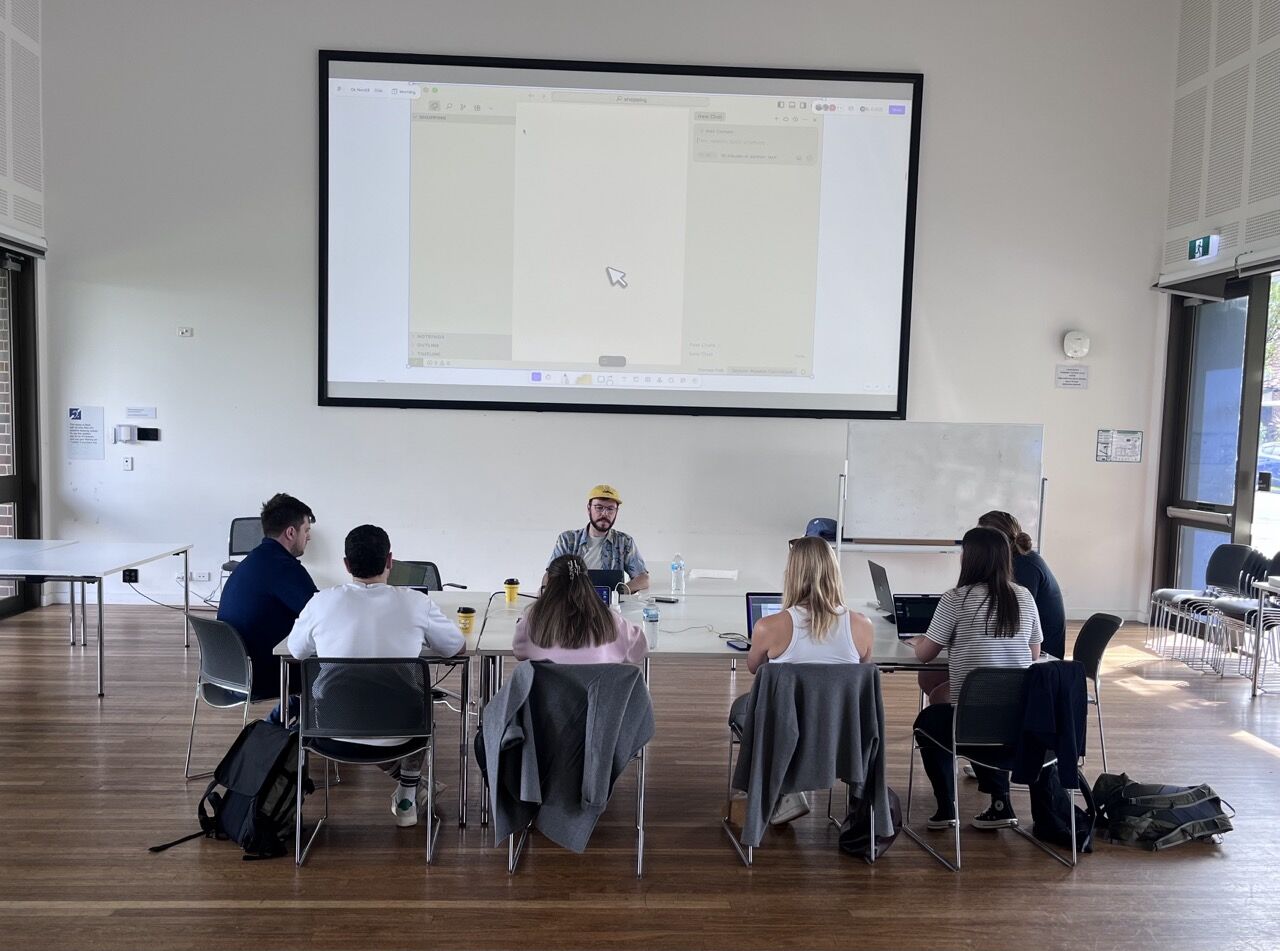
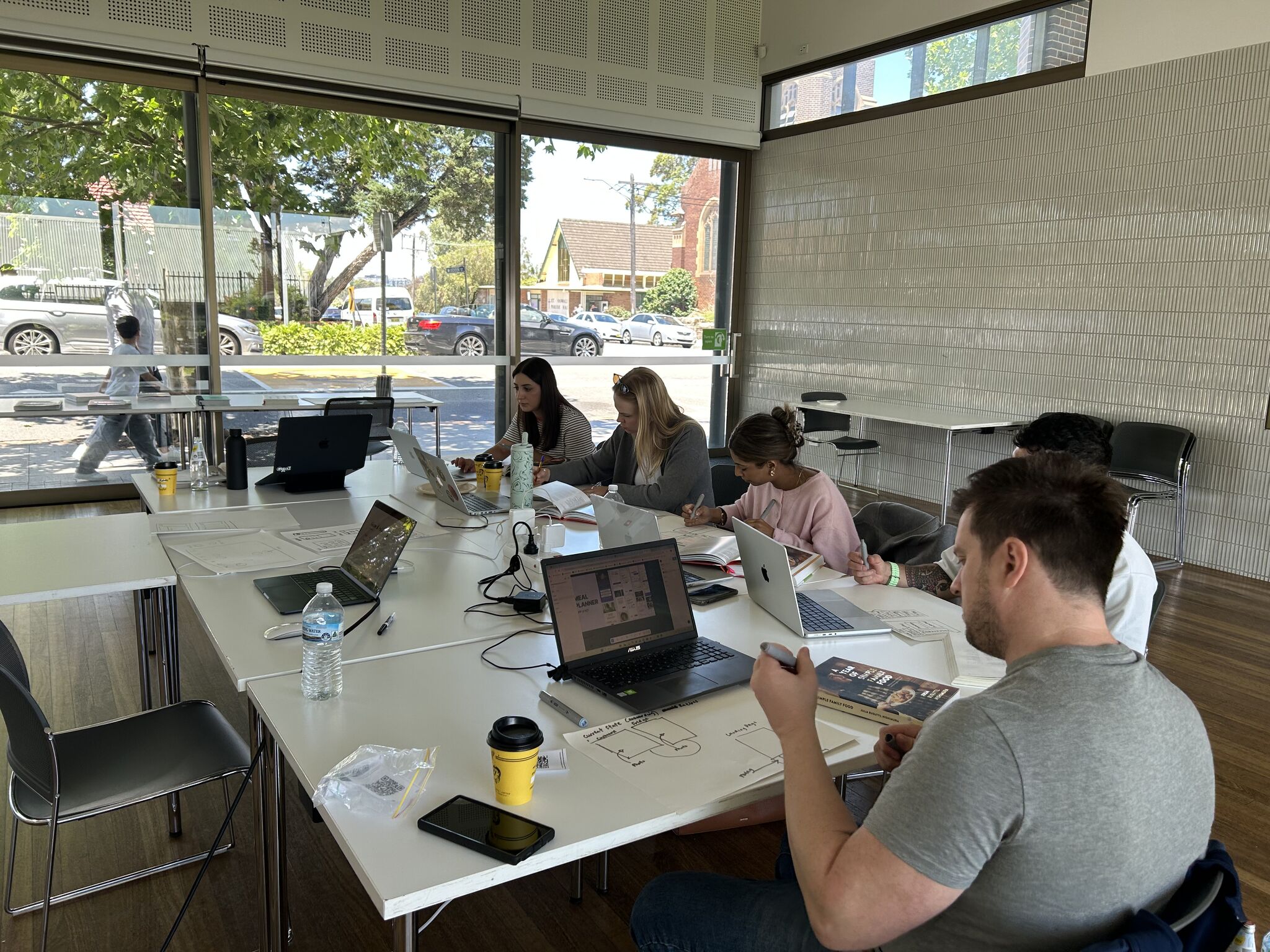

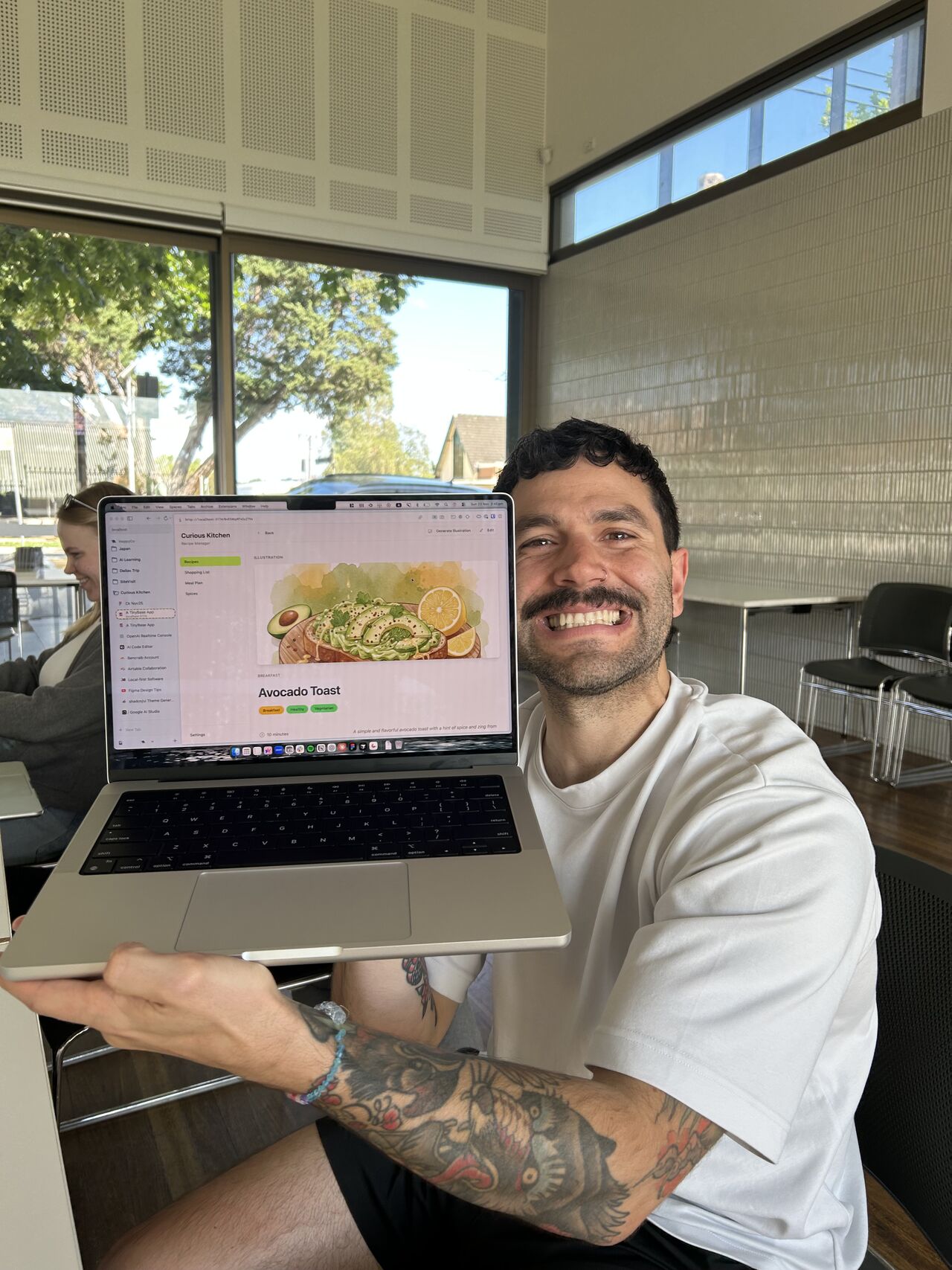
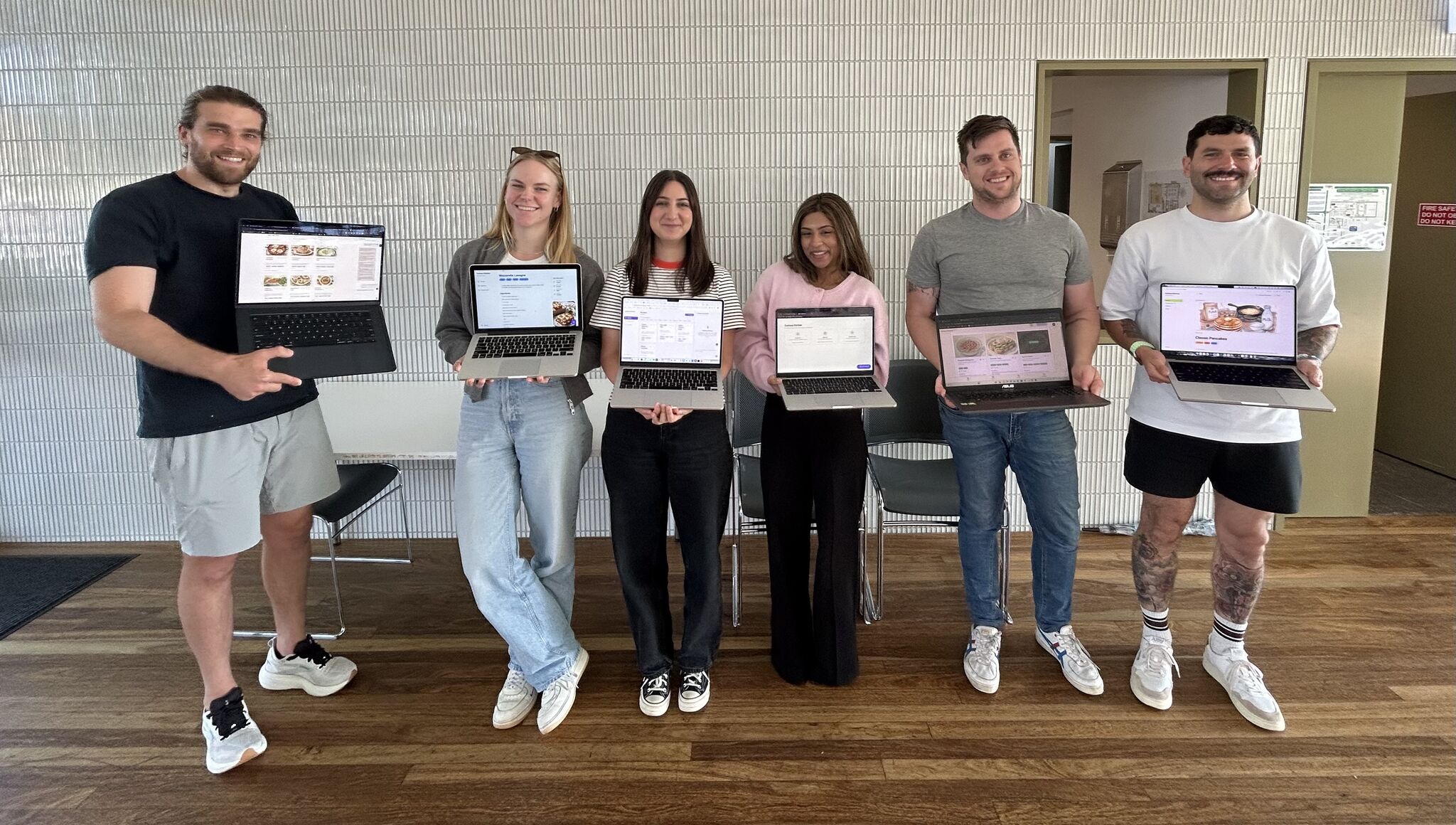
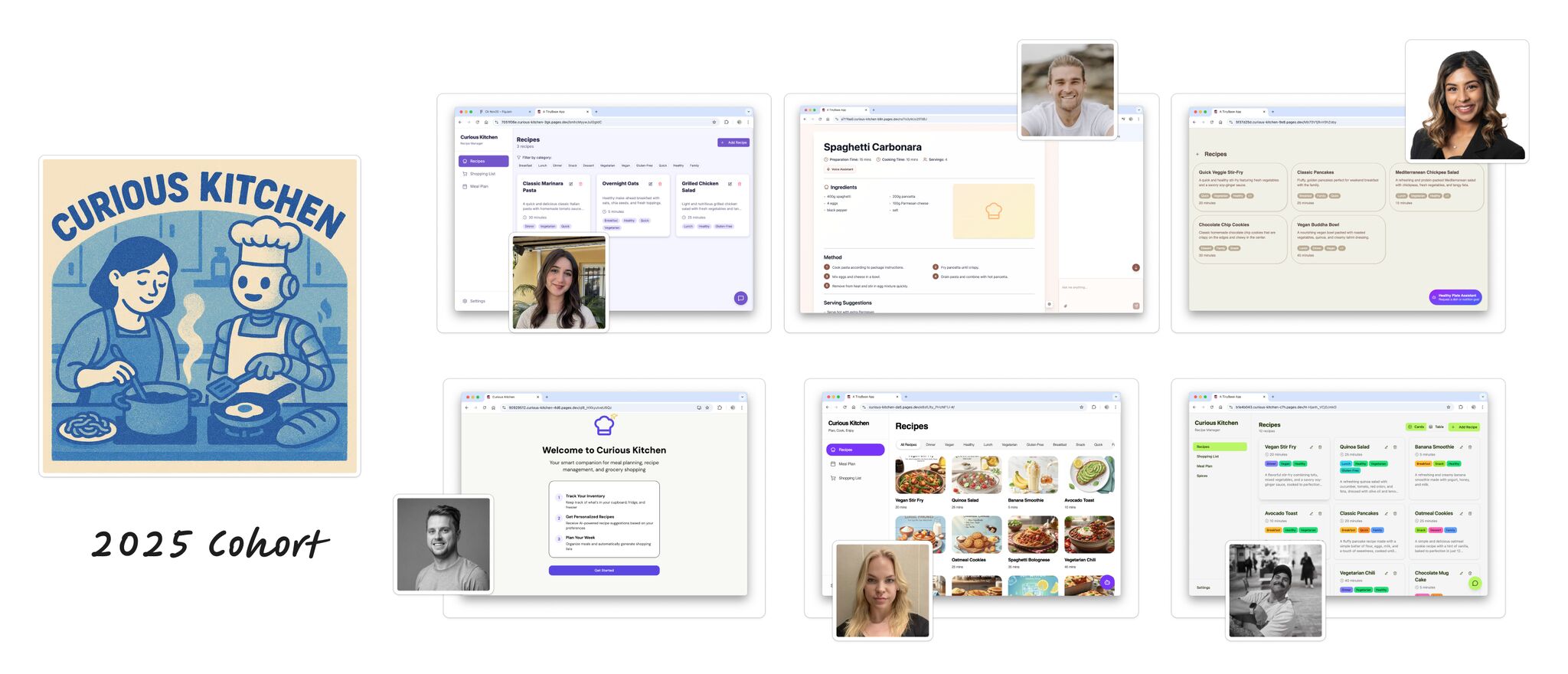
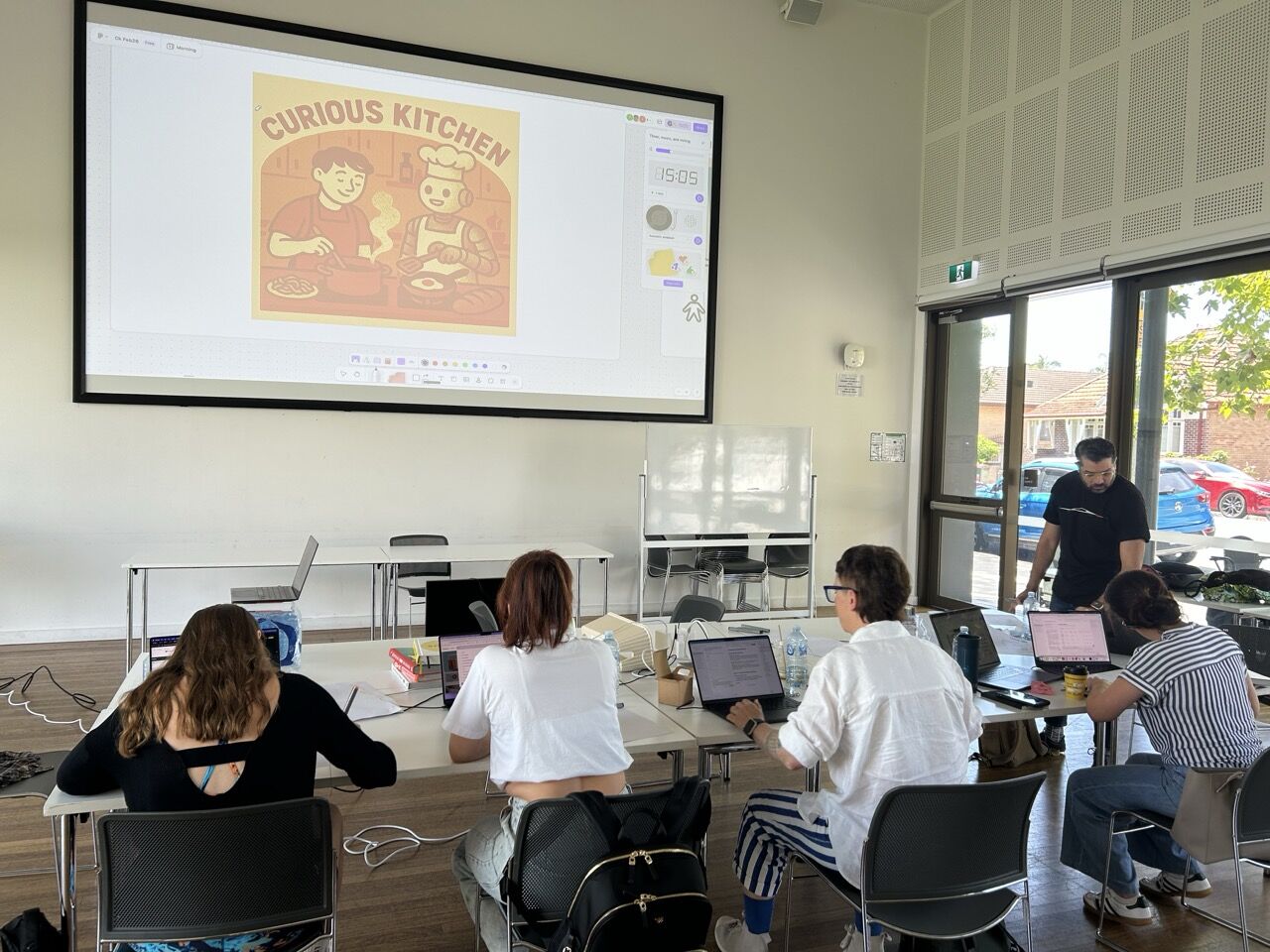
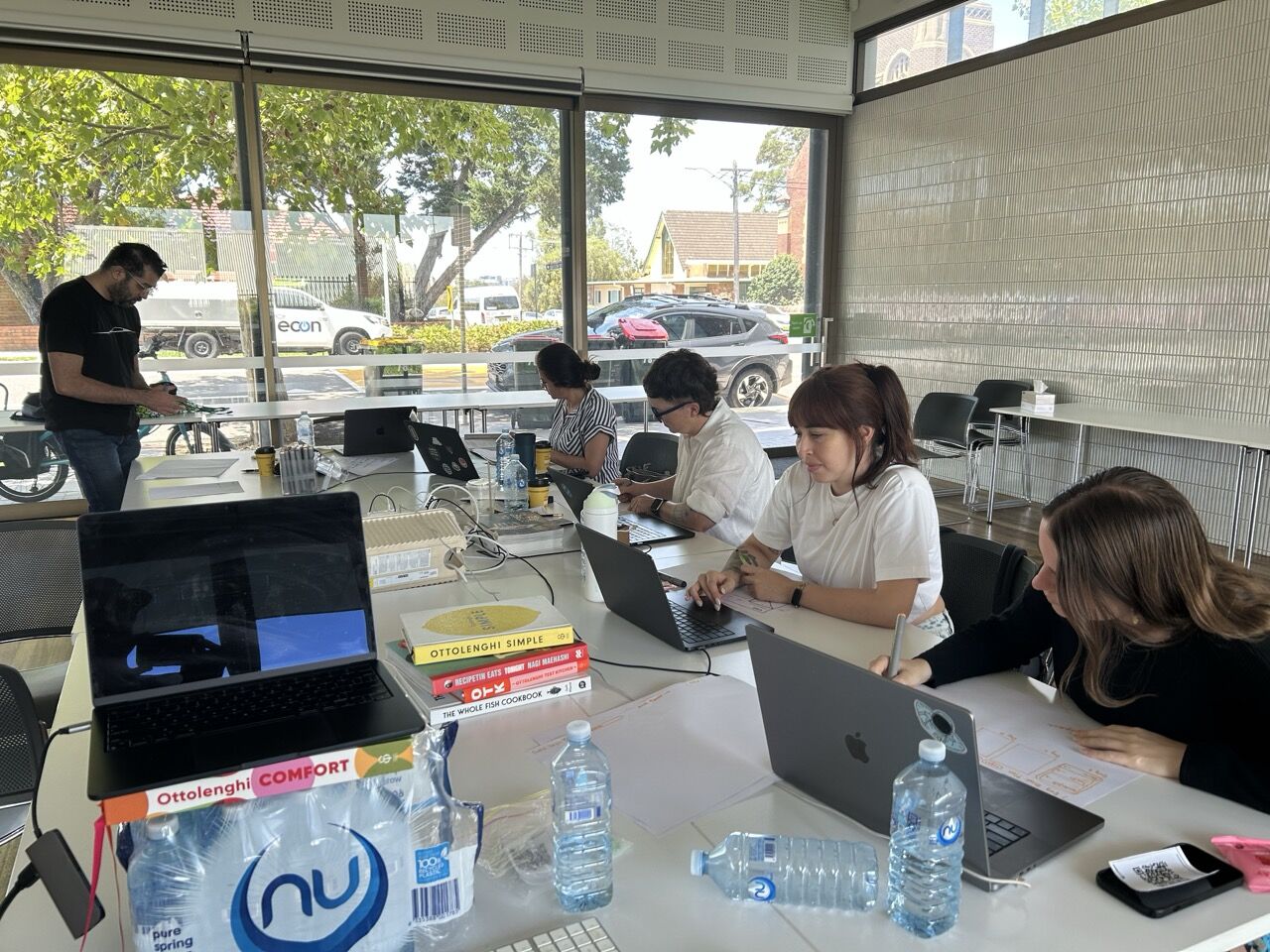
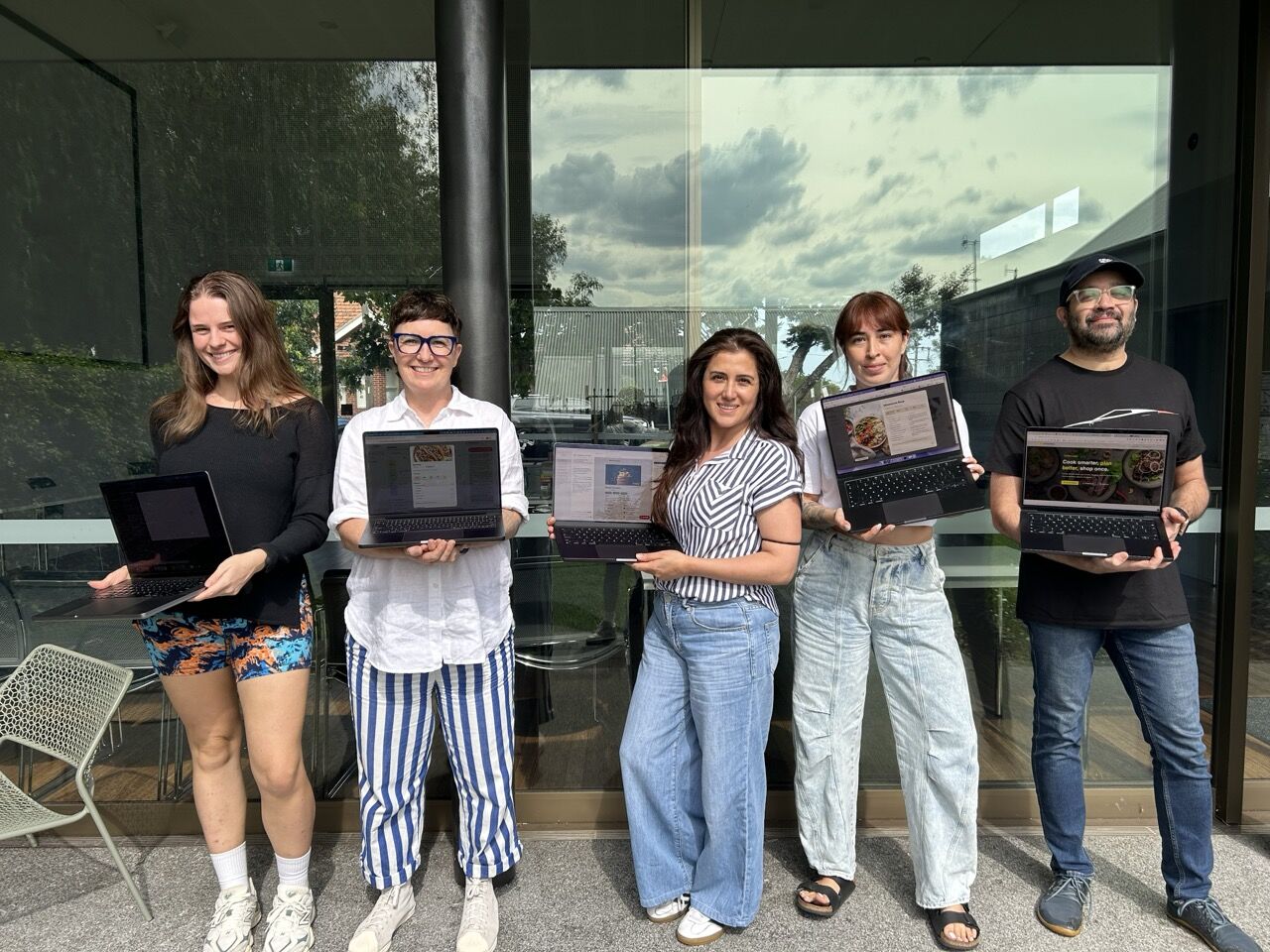
Everyone ships by end of day. You'll leave with a working, deployed app you built yourself.
💬 What People Are Saying
Want to share your experience? Tag us on LinkedIn after the workshop!
Working with an agent to ship real software, fast
Building well alongside an AI agent is fast becoming one of the most valuable skills in tech — and it's a craft you can practise. This workshop teaches you the repeatable moves: sketching ideas, prototyping in small pieces, and shipping iteratively.
We cook up a meal-planning app together because everyone understands recipes. But what you're really walking away with is a process you can apply to any idea — a CRM, a fitness tracker, a personal tool, a side project.

👥 Is This Workshop For You?
Designers at Any Level
- Already vibe coding and want structure
- Just starting with AI tools
- Comfortable in Figma, curious about code
- Want to prototype without waiting for engineering
Product Managers
- Need to understand technical feasibility
- Want to build proof-of-concepts independently
- Looking for better conversations with engineering
- Want to test ideas with real prototypes
Developers & Curious Builders
- Already use AI tools, want a more deliberate craft
- Want repeatable moves, not one-off tricks
- Curious how voice, conversation and image fit together
- Want to ship side-projects fast, and keep them shippable
The common thread: everyone here wants to stop relying on luck with AI and start relying on a craft they can repeat — on their own ideas, on their own time.
🚧 From Vibe Coding to a Craft You Can Repeat
📝 What this looks like in practice
Partway through the day, your agent will pause and ask something like: "Where should we store the artwork for each recipe?" with a few options. Without the recipe, that prompt is intimidating — you click through and hope. With it, you recognise the moment, you know what trade-off you're making, and you give it a confident answer.
Multiply that across a day's work and you've got the difference between a finished, deployed app you understand — and a tangle you don't want to touch again.
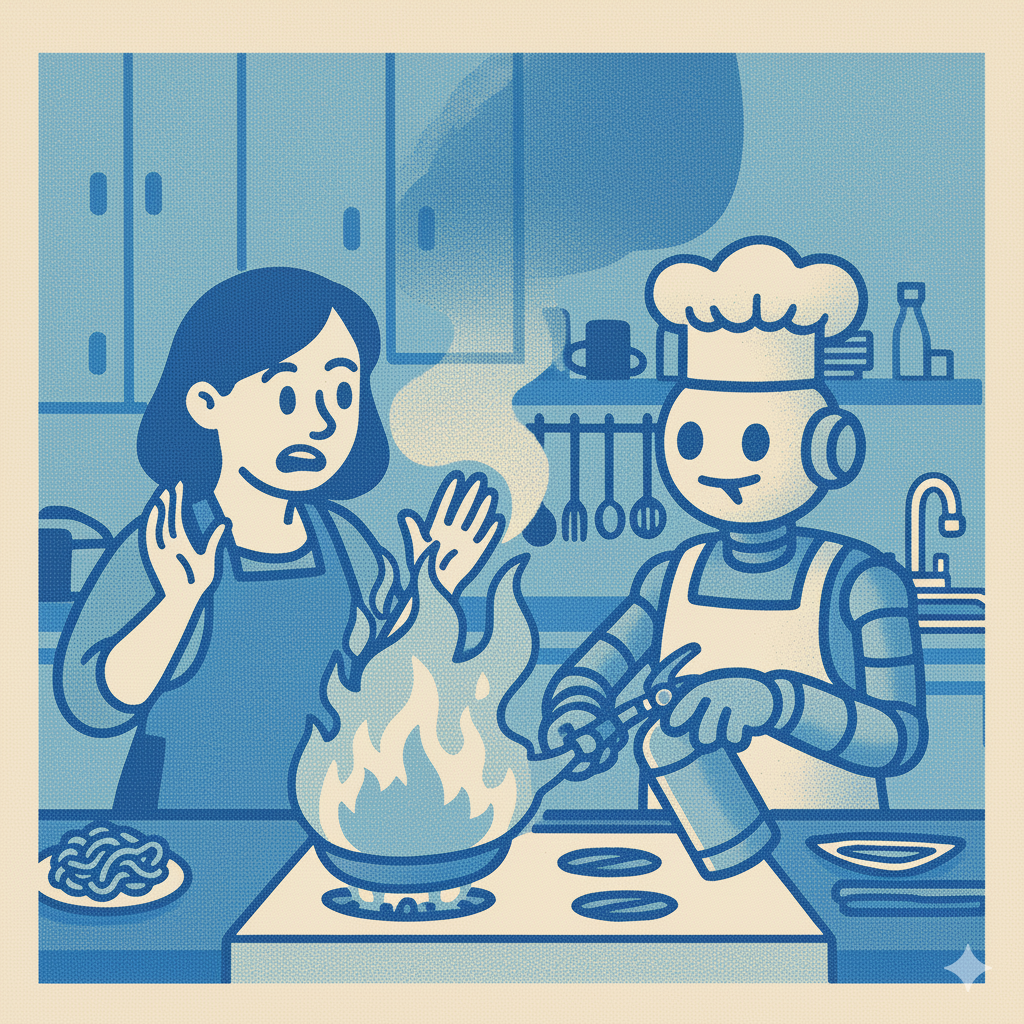
💡 The Recipe You'll Practise on the Day
A handful of moves you'll repeat together until they feel natural — then take home and reuse on any project.
We use a meal-planning app as the kitchen we cook in. The same moves work just as well on a CRM, a fitness tracker, a personal tool, or whatever you've been meaning to build.
Across the day, you'll learn to:
- Recognise the decision the agent is asking you to make
- Answer it confidently with a simple framework
- Keep the work small enough to test as you go
- Tell when to push forward, pause, or roll back
- Take the same moves home to your own ideas
🎨 What You'll Cook Up
By the end of the day you'll have a deployed, working app with three frontier AI features baked in. These are the examples we cook together — the same recipe lets you add the AI features your own ideas need.
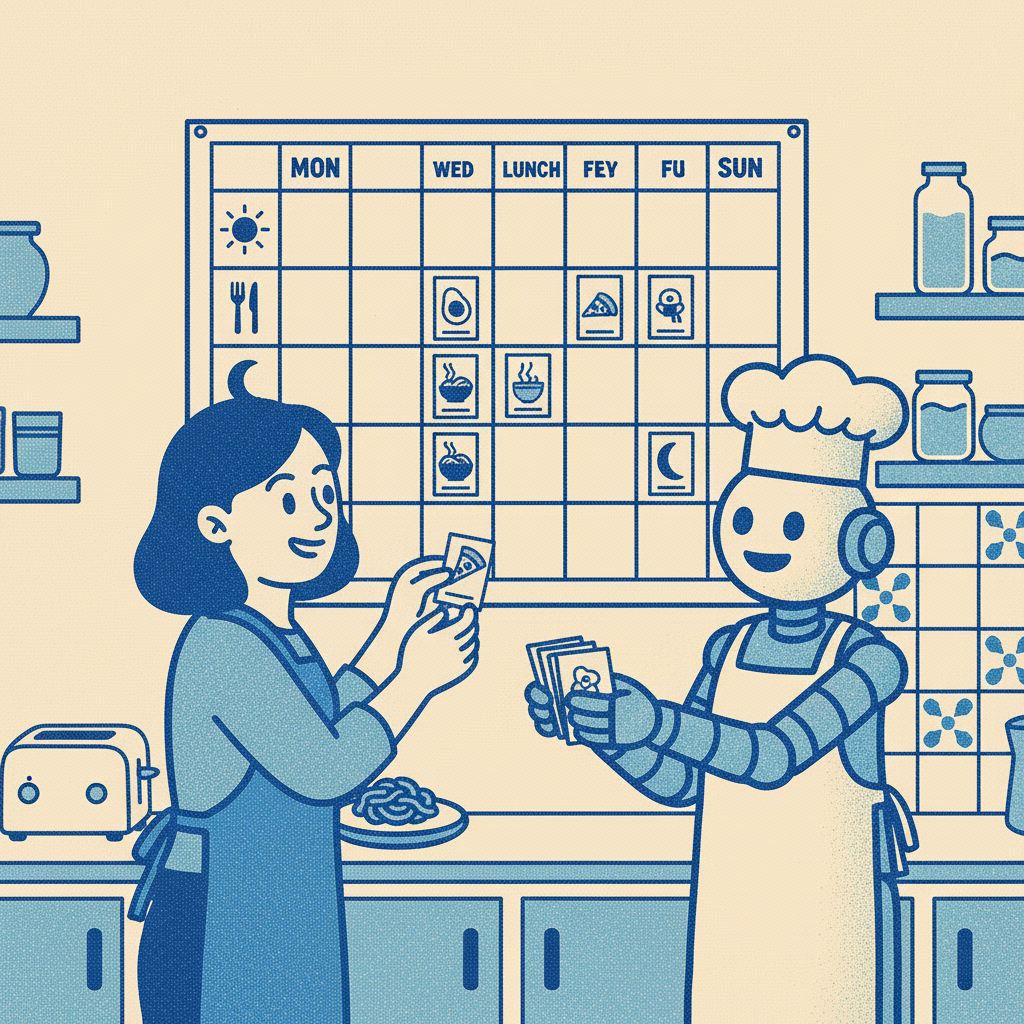
🧑🍳 Never meal-plan again
Drop a Claude-powered agent inside your app to plan the week for you — pick the recipes, build the shopping list, mind the leftovers. Get an agent to help you build your app, then get the app to do your meal planning.
You'll practise: giving an agent a job inside your app and letting it earn its keep.
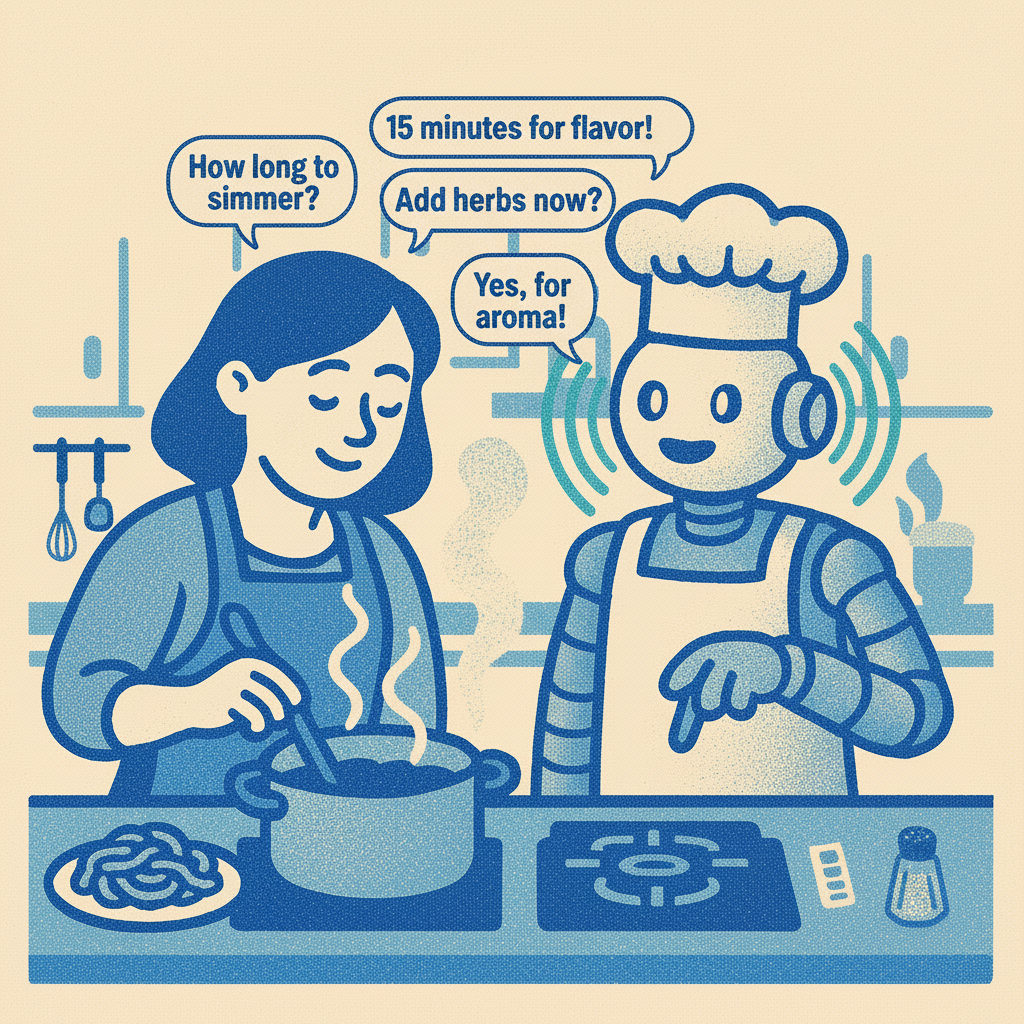
💬 Talk to your app
Add an in-app assistant that can read and update your data — "add strawberries to my list", "plan dinners for next week".
You'll practise: giving an agent tools, scoping its powers, and integrating it into your UI.
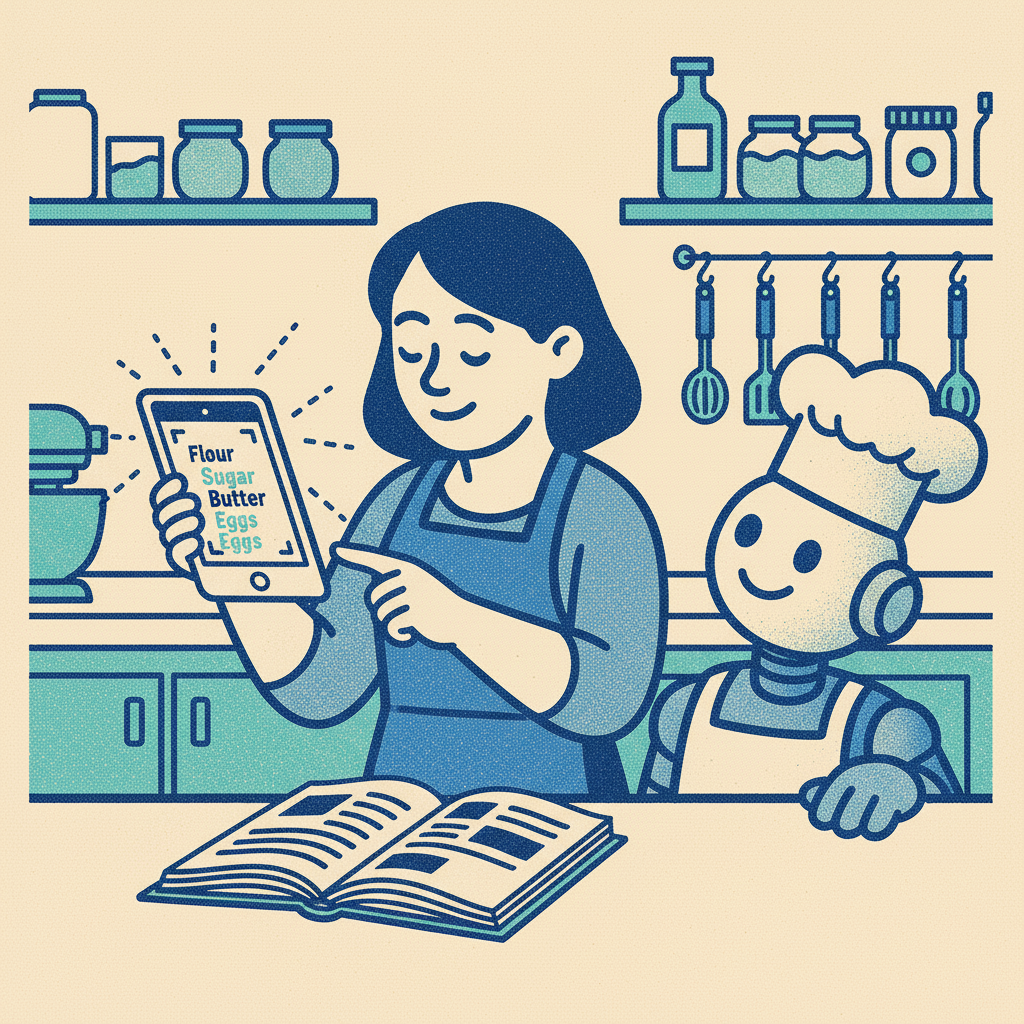
🎙️ Cook hands-free
A voice assistant scoped to one screen — ask for ingredients, start timers, talk through the steps with your hands covered in flour.
You'll practise: prototyping a feature standalone before integrating it.
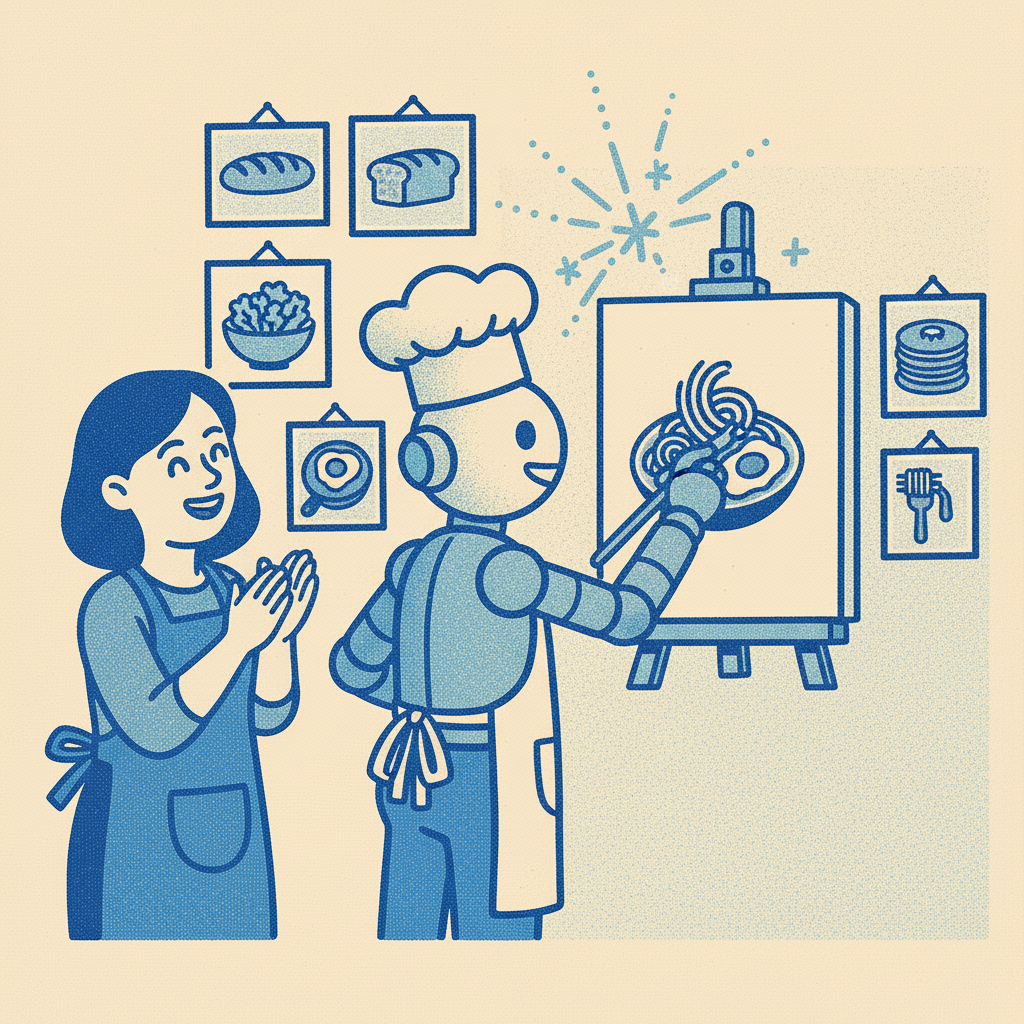
🖼️ Custom artwork, your style
Generate consistent illustrations for your recipes in a visual style you choose — Riso prints, watercolour, photography, whatever you like.
You'll practise: prompting for visual consistency and answering the agent's design decisions.
Everyone follows the same recipe, but every app turns out different — your design choices, your features, your taste.
🎯 What You'll Walk Away With
Building well alongside an AI agent is one of the most in-demand crafts in tech right now — and one of the few that doesn't require an engineering background to learn. You'll leave with that craft, a working app to prove it, and a process you can run again on whatever you want to build next.
⏱️ How the Day Flows
6 hours, structured in three parts
- • Set your kitchen up: Cursor settings, agent modes
- • Run a starter app on your laptop
- • Plan your database in Notion using an MCP
- • Deploy your first version to the internet
- • Sketch your screens on paper
- • Voice-prompt the agent into a working UI
- • Use plan mode for the bigger moves
- • Build out your design system
- • Tweak the look and feel with design mode
- • Three frontier AI features, each prototyped first
- • Conversation, voice, image — pick what you need
- • Weave each one into your app
- • Re-deploy and share your link
Throughout: hands-on exercises, collaborative problem-solving, plenty of pastries, and 1:1 support whenever you get stuck.
📦 What's Included
🗓️ On the Day
- 💻 A ready-to-go starter project
- 🎨 FigJam board with visual exercises and a shared space
- 🥐 Breakfast, lunch, and refreshments
- 🆘 Built-in troubleshooting your agent can read alongside you
🎁 After the Workshop
- 📖 Lifetime access to materials
- 💬 Exclusive Substack community
- 👀 See what other participants built
🔄 Free access to every future version of this course
We rebuild this workshop every two months as the tools, models, and best practices change. Pay once, and every new edition lands in your inbox — fresh starter projects, updated recipes, new AI features — for as long as we're running it.
Plus session recaps from each cohort, so you can see what other chefs shipped and steal their ideas. The craft compounds — and so does what you take home.
✅ What You'll Need
📋 Before the workshop
- 💻 A laptop with Cursor installed
- 💳 A Cursor Pro subscription (~$30 AUD/month) — required
- 🌱 A willingness to experiment and learn out loud
You don't need a GitHub account, command-line experience, or any prior coding. Anything else we use on the day is free, and we'll set it up together.
Note: a Cursor Pro subscription (~$30 AUD/month) is required so you have full access to the agent we work with all day. Detailed setup instructions go out one week before the workshop.
🎒 On the day
- 🔋 Charged laptop + charger
- 🤓 Your curiosity
- 🥐 Your appetite — we have heaps of snacks
❓ Frequently Asked Questions
🌟 General Questions
I already use Cursor. Will I learn anything new? 🧑💻
Yes — this isn't a tour of Cursor features. It's about the craft of working with an agent: when to plan, when to prototype, when to start fresh, when to ship. Even experienced users tend to skip the moves that make this sustainable, and that's where the workshop spends its time.
How is this different from other AI / Cursor workshops? 🤔
Most workshops show you a tool. This one teaches you a craft you can repeat. You'll leave with a deployed app and a process you can run again on your own ideas — without needing to remember any specific feature, API, or framework name.
What if I want to build something other than a recipe app? 💡
Everyone builds the recipe app during the workshop (it's our teaching vehicle), but the patterns transfer directly to any AI-first application. You'll leave with mental models you can apply to your own projects.
After the workshop, many participants adapt the starter code and patterns to build their own apps. The Substack community is a great place to share your projects!
Will the AI write all my code? 🤖
Cursor will generate lots of code, but the goal isn't to have AI do everything—it's to understand what's being generated and why. You'll learn to work with the AI as a thought partner, not just as a code generator. This includes knowing when to accept AI suggestions, when to modify them, and when to take a different approach entirely.
Do I need to know how to code? 👶
You don't need to be an expert, but basic familiarity with code concepts is helpful. This workshop is designed for designers, PMs, and developers at various skill levels. If you've experimented with AI coding tools or have basic understanding of variables, functions, and data structures, you'll be fine.
What if I get stuck during the workshop? 🆘
Getting stuck is part of learning! We've built in several support mechanisms:
- • Built-in documentation that the AI agent can reference
- • Troubleshooting guides for common issues
- • Instructor support throughout the day
- • Peer support from other participants
- • Structured verification steps to catch issues early
The workshop is designed so you can't get too stuck—the AI agent and support materials will help you move forward.
💻 Technical Questions
What laptop/computer do I need? 💻
Any laptop less than 5 years old should work fine:
- • Mac: macOS 10.14 or later
- • Windows: Windows 10 or later
- • Linux: Any modern distribution
- • Requirements: At least 8GB RAM, modern web browser, ability to install applications
- • Internet: You'll need stable internet (provided at the venue)
Will I need to pay for any services or APIs? 💰
The only paid service is Cursor Pro (~$30 AUD/month), which is required. Everything else we touch on the day has a generous free tier that's more than enough for the workshop and ongoing personal use. You won't need to enter payment details for anything else.
🍳 About the App
What AI features will the app have? 🤖
Three frontier AI features, each built as a tiny prototype first and then woven into your app:
- 💬 Talk to your app: an in-app assistant that can read and update your data
- 🎙️ Cook hands-free: a voice assistant scoped to one screen — ingredients, timers, steps
- 🖼️ Custom artwork: generate consistent recipe illustrations in a visual style you choose
These feel like magic but are built with surprisingly little code. The point isn't the features — it's the move: prototype small, then integrate.
Can I customise the app however I want? 🎨
Absolutely! The structured chapters guide you through core functionality, but you make many decisions:
- • How you structure your data (what fields a recipe has)
- • Your app's visual design (colours, fonts, layouts)
- • Which optional features you add
- • How you organise and display information
During Part 3, there's time for customisation and adding your own ideas.
🎓 After the Workshop
What happens to my app after the workshop? 📱
You own it. The app, the code, and the data are all yours, deployed under your accounts. You can:
- • Keep using it for your meal planning
- • Keep developing it and adding features
- • Share it with friends and family
- • Use it as a portfolio piece
- • Adapt the same starter for a totally different idea
Will I have ongoing access to support? 💬
Yes! You'll join our private Substack community where you can:
- • Ask questions and get help
- • Share your progress and projects
- • Learn from others' solutions
- • Get updates to workshop materials
- • Find collaborators for new projects
The instructor will be active in the community, and you'll build relationships with fellow participants.
🧠 About AI and Learning
Do I need to understand all the code the AI generates? 📖
You should understand the concepts and what the code does, but you don't need to memorise every syntax detail. It's like understanding what a recipe does without memorising the exact measurements. Over time, patterns will become familiar. The workshop focuses on comprehension over memorisation.
What if the AI makes a mistake? ⚠️
It will! That's part of the learning experience. You'll learn to:
- • Verify AI outputs
- • Debug issues
- • Provide better prompts
- • Iterate toward solutions
This is a crucial skill for working with AI—knowing when to trust it and when to question it.
👨🏫 Your Instructor

Joshua Crowley
Josh is a seasoned designer and educator with over 10 years of experience building digital services and products for organisations like the ABC, CHOICE, Time Out and the University of Canberra – and teaching experience with General Assembly and UTS.
Josh started Jagged Peaks Travel Club to serve as a guide in this emerging AI landscape, running community workshops helping people unpack new tools and best practices for AI apps: Cursor, Lovable, ChatGPT, and Claude. Josh uses his skills as an educator to help individuals learn from each other, and to demonstrate best practice thinking and techniques.
Josh is also a Cursor Ambassador learning from expert users globally, whilst organising the Sydney Cursor meetup locally. Josh has his own AI app for Dads called tinytalkingtodos.com.
Learn more at joshuacrowley.com.
🤖 How We'll Use Cursor and Add AI Agents
🎟️ Ready to learn the recipe?
Join the next Curious Kitchen in Sydney and walk out with a deployed app and a craft you can keep using.
❓ Questions?
Can't wait to see what you build! 🎉👨🍳👩🍳